
Built for incidents
You are not at a desk. You need a shell, the log, the metric, and a runbook — on one phone, over SSH.
Native iOS · Device-only
AI capable SSH terminal for people who actually run servers. Terminal, remote files, live metrics, runbooks, optional Docker or Podman, and an optional AI copilot — all on one phone.
Profiles, keys, and credentials stay on your iPhone or iPad. There is no TermCue account.
iPhone & iPad · iOS 18+ · No cloud workspace · No analytics SDKs
What it is
You are not at a desk. You need a shell, the log, the metric, and a runbook — on one phone, over SSH.
Private keys live in the iOS Keychain, this-device-only. Passwords are entered to connect and never saved.
We do not store profiles, proxy sessions, or ship analytics. Traffic is your phone talking to your hosts.
Inside the app
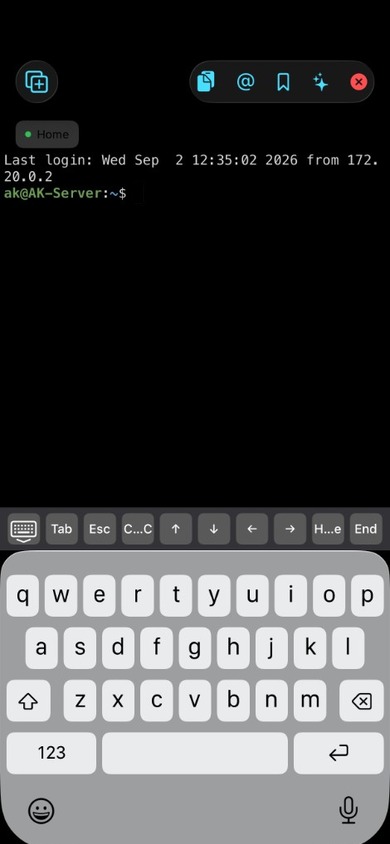
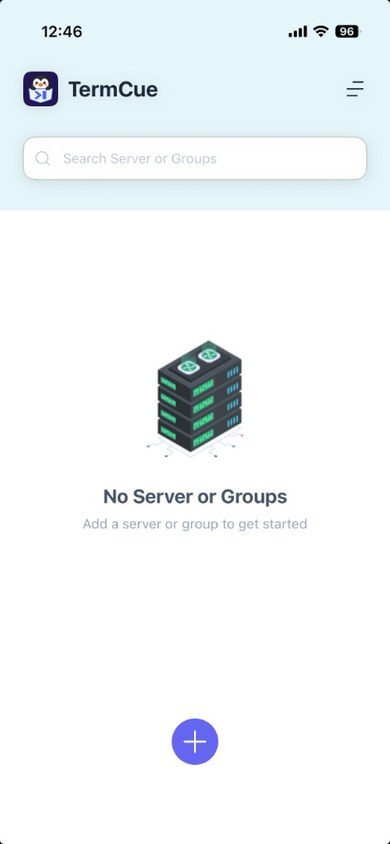
Add a host, then open Terminal, Browse Files, Dashboard, or Containers from that server. Runbooks sit one tap away. Tap a card to preview a real screenshot.
Screens
Live metrics
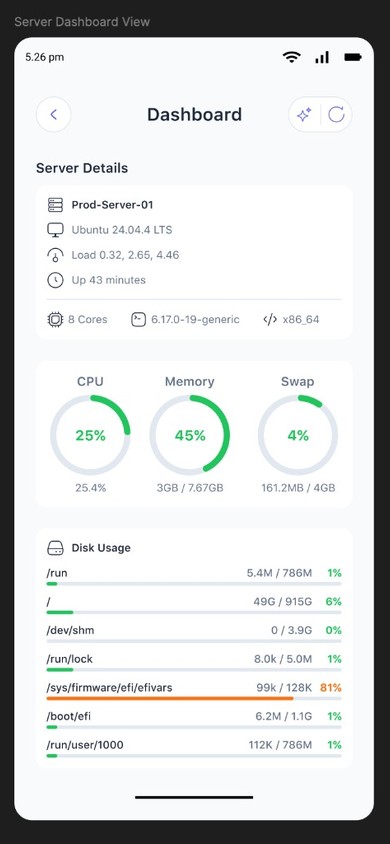
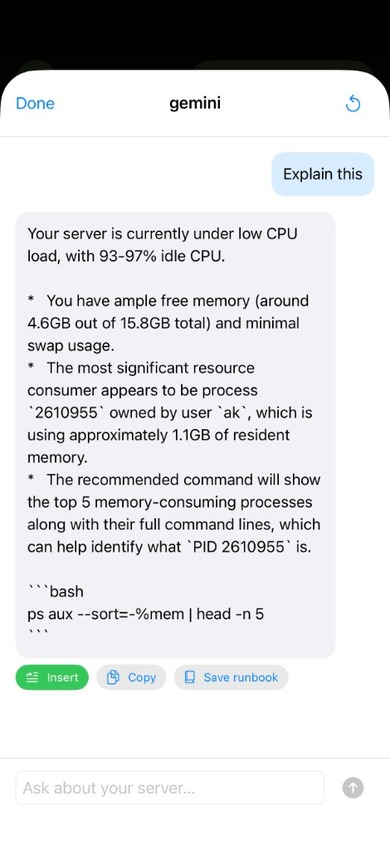
Dashboard reads CPU, memory, disk, and processes from the machine you are on. Optional AI can sit next to those numbers — only if you configure an endpoint, or when Apple Intelligence is available on-device.
Containers
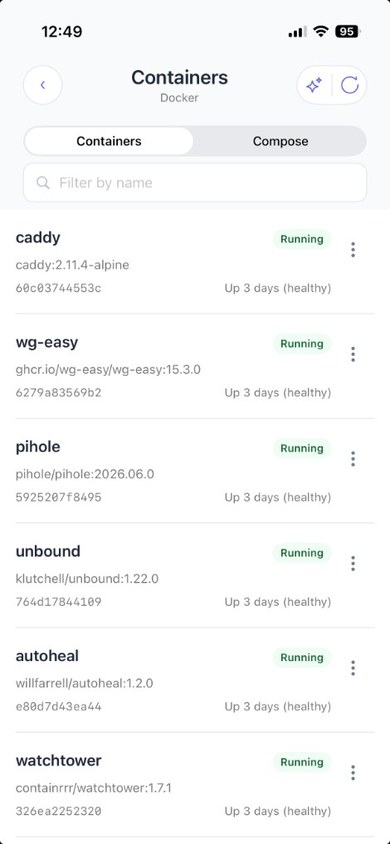
Enable Containers on a server profile. TermCue talks to the engine over SSH, lists Compose projects, and lets you start, stop, restart, and read logs. It will not delete containers.
Optional AI
Copilots in terminal, dashboard, and containers can summarize health and suggest next steps. Use on-device Apple Intelligence when available, or an OpenAI-compatible endpoint you configure. Nothing is required to run SSH.
Privacy
TermCue does not require an account. We do not operate servers that store your SSH profiles, passwords, or private keys. Data you save stays on your iPhone or iPad unless you send content to a third-party AI service you configure.
Private keys and AI API keys live in the iOS Keychain with this-device-only accessibility.
We do not track you, proxy sessions, or ship third-party analytics or advertising code.
Optional. On-device Apple Intelligence or your own endpoint. We never see the prompts.
The mascot
TermCue’s home-screen icon is the penguin-in-pocket mark on a clean white field. Apple applies the rounded mask on device.
App Store sizes
 60 pt
60 pt 40 pt
40 pt 29 pt
29 pt 16 pt
16 pt
Xcode: square 1024 PNG in AppIcon — no transparency for App Store Connect.
Getting started
Open TermCue. Unlock with Face ID, Touch ID, or passcode.
Add a server — host, port, username, password or private key.
Optionally enable Containers for Docker or Podman on that host.
Open Terminal, Browse Files, Dashboard, or Containers.
Optionally add an AI endpoint in Settings → AI Endpoints.
Native iOS. No account. No cloud workspace. Just your phone and the servers you already run. Coming soon to the App Store via TestFlight.
Email support@termcue.com